
Protecting Data, Meeting Insurance Requirements and Sleeping Better at Night
Maybe it isn’t a ransomware attack or hardware failure; it’s possible a staff member accidentally deleted or moved a file and can’t find it or a well-intentioned staff member clicked the wrong link. When that moment comes, your backup strategy becomes the difference between a minor inconvenience and a full-blown crisis.
On top of that, cybersecurity insurance providers are no longer just asking if you have backups—they’re asking how they’re configured, secured and tested.
We have a few tips for managing (or selecting) a network backup solution that protects your organization and checks all the right boxes for insurers.
Follow the 3-2-1 Rule – and Then Take It One Step Further
The classic best practice still holds up: keep three copies of your data on two different types of media with one copy stored offsite.
However, in today’s evolving landscape, that’s just the baseline. We recommend adding a fourth layer: backups that cannot be altered or deleted, even by an attacker who gains admin access. Many cyber insurance policies now expect this level of immutable protection.
Why it matters: ransomware often targets backup systems first. If your backups can be encrypted or deleted, they’re not really backups.
Automate Everything – But Don’t “Set It and Forget It”
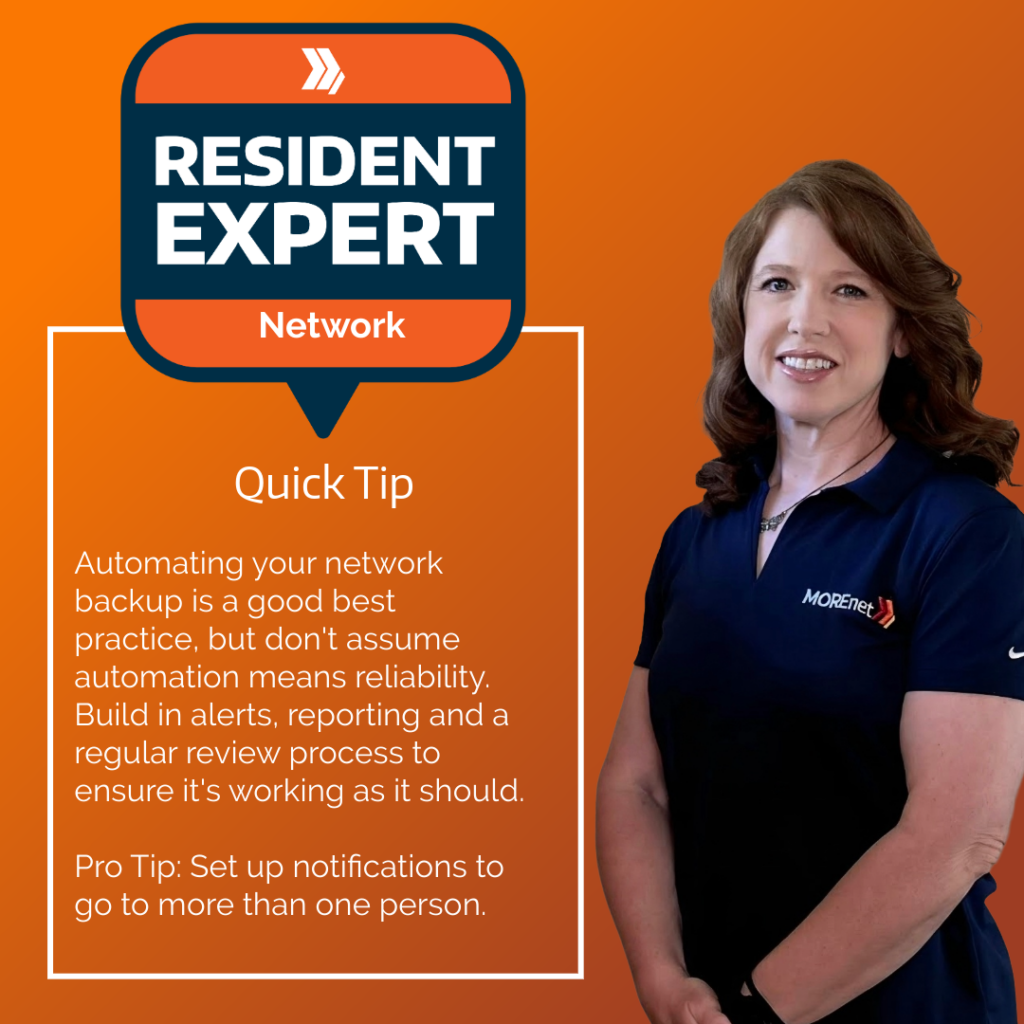
Consistent backups are important, which is why scheduled backups reduce human error and ensure coverage across systems. But don’t assume automation means reliability. Build in alerts, reporting and regular review processes. If a backup fails silently, you won’t know until you actually need it, and by then, it’s too late.
Pro tip: set up notifications that go to more than one person. Redundancy shouldn’t just apply to your data.
Test Your Restores—Regularly and Realistically
Backing up data is only half the equation. The real question is: can you restore it quickly and completely?
Run routine restore tests—not just file-level recoveries, but full system or environment restores when possible. Simulate real-world scenarios, like recovering after a ransomware attack or rebuilding a server from scratch.
Many cybersecurity insurance applications now ask for documented proof of restore testing. Being able to say “yes” (and mean it) can impact your coverage and premiums.
Secure Your Backup Environment Like It’s Production (Because It Is)
Your backup system is a high-value target. Treat it accordingly.
- Multifactor authentication (MFA) for access, role-based permissions (not everyone needs full control), network segmentation to isolate backup infrastructure and encryption both in transit and at rest.
- If an attacker can access your backups, they can destroy your recovery plan in minutes.
- A strong network backup solution is more than a safety net. It’s a strategy, a critical component of your cybersecurity posture and a key factor in securing and maintaining insurance coverage.
- If you haven’t reviewed your backup strategy in the last year, now is the time. We can help you talk through evolving technical threats, expectations and processes to ensure your data can be recovered when the need arises to restore from backup.